
Author disclosure: I have experience working with WhatSync.
A prospect sends a WhatsApp message: “We can start next week. Send me the scope on Monday.” You read it, move to another conversation, and remember it again when Monday is almost over.
The message contains a commercial next step. To keep it moving, the team needs to connect the conversation to the right person and give somebody responsibility for that step.
This illustrative example shows how to connect WhatsApp context to an owned follow-up in Attio, using WhatSync for message sync and a custom follow-up list.
Let the conversation reach the right record
WhatSync's Attio product page describes matching WhatsApp messages to People records by phone number and saving them as notes. It also describes activity fields and controls for choosing which conversations sync.
That gives the team a place to find the conversation. Before relying on the match, check how the relevant phone numbers are stored and whether more than one record shares a number. A display name alone is a weak basis for deciding which client a message belongs to.
In the example dataset, Avery Stone's number appears on two records. Hold the follow-up for identity review before assigning an action. Add this review step to your process rather than assuming the sync resolves duplicate records.
Start with a selected set of business contacts. Verify the matching and sharing settings on that set before expanding the sync.
Use activity to decide what to inspect
WhatSync's setup guide documents fields including Last WhatsApp Message At, WhatsApp Message Direction, and WhatsApp Conversation. It explains that the sharing setting can limit what is written to Attio.
Those fields help a person find recent activity. They do not establish whether the next commercial step is complete. The latest message could be “Thanks” or a request requiring work before a deadline.
In the example with Jordan Ellis, the latest inbound message asks for an updated scope on Monday. A proposed follow-up record looks like this:
Detail | Example |
|---|---|
Person | Jordan Ellis, Harbor Studio |
Conversation context | Asked for an updated scope after discussing an October start |
Next action | Send the revised scope for review |
Owner | Maya Chen |
Due | October 12, 2026, at 11:00 a.m. Eastern Time |
Review state | Ready for a person to act |
Create owner, next action, due date, and review state as custom fields in your follow-up list.
Keep the review process visible
Attio's objects and lists documentation explains that lists can model a business process and have their own attributes. One way to apply that is a follow-up list whose entries point to People records, with the proposed fields attached to the entry.
A reviewer can inspect the relevant note, confirm the person, and assign the action. If the record is ambiguous or there is not enough context, keep it in a review queue. Do not let an inferred deadline become a commitment without checking it.
A view of open actions ordered by due date answers a different question from a view ordered by the last message date. The first shows what somebody needs to do. The second helps the team discover conversations that may need attention. Both are useful if their owners know how to review them.
A person sends the reply in this workflow. Configure and test outbound automation separately if you add it later.

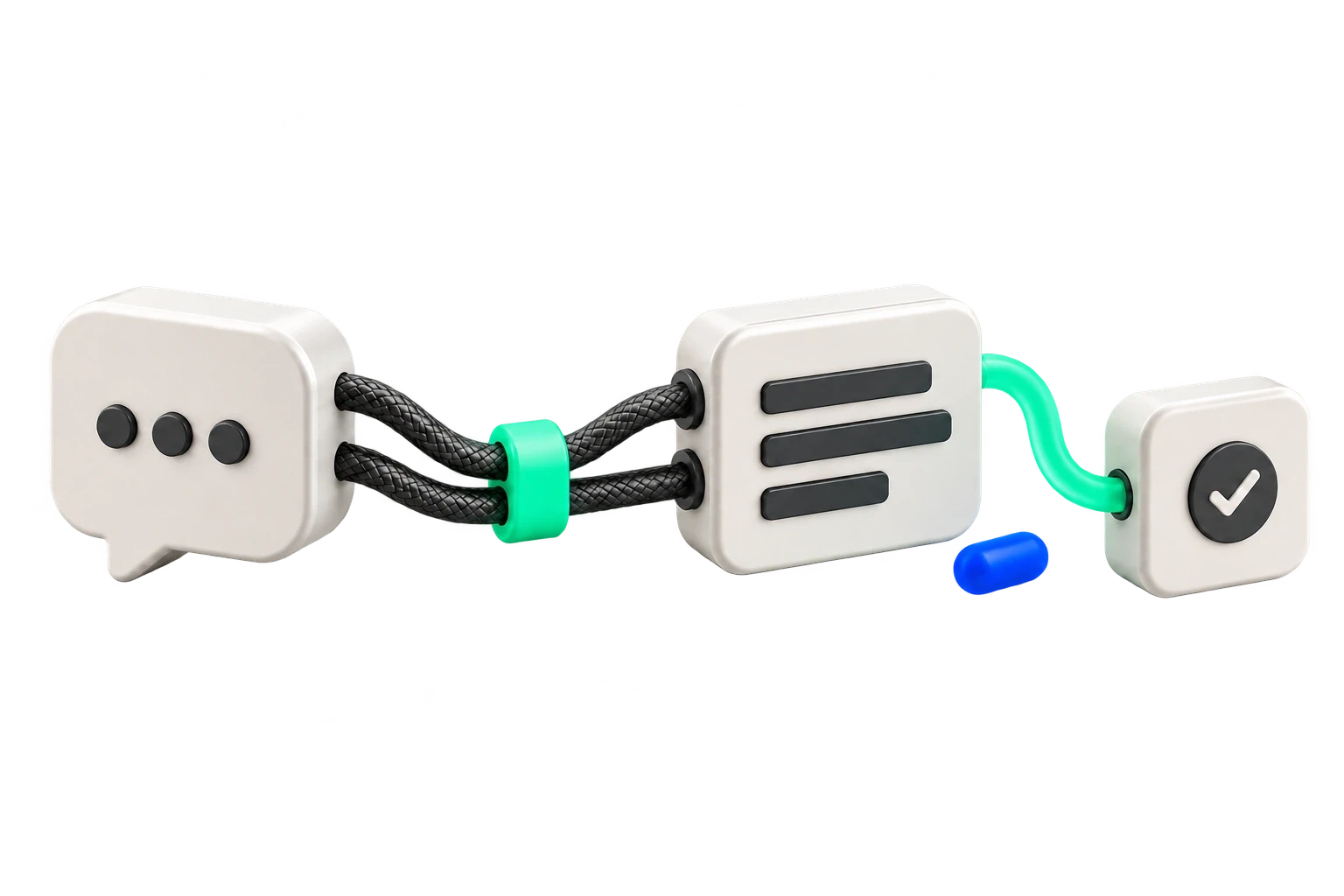
Sync the conversation, verify the person, then assign an action, owner, and due date in your follow-up list.
Check the whole route with a small sample
Download the flow map, sample CSV, and field dictionary to plan your follow-up list. The CSV contains example data; adapt it to your Attio schema before importing.
Use a small sample to check the correct person, the expected context, the owner, and the action after each review. Include a duplicate phone and a conversation that needs clarification. Keep those exceptions visible instead of counting every synced record as a completed follow-up.
The same operating questions apply when a commitment arrives by email or on a call. Choose one channel where context gets lost, identify the record it should reach, and decide who will turn it into the next action.
Resources
Download WhatsApp/Attio demo data
Author disclosure: I have experience working with WhatSync.
A prospect sends a WhatsApp message: “We can start next week. Send me the scope on Monday.” You read it, move to another conversation, and remember it again when Monday is almost over.
The message contains a commercial next step. To keep it moving, the team needs to connect the conversation to the right person and give somebody responsibility for that step.
This illustrative example shows how to connect WhatsApp context to an owned follow-up in Attio, using WhatSync for message sync and a custom follow-up list.
Let the conversation reach the right record
WhatSync's Attio product page describes matching WhatsApp messages to People records by phone number and saving them as notes. It also describes activity fields and controls for choosing which conversations sync.
That gives the team a place to find the conversation. Before relying on the match, check how the relevant phone numbers are stored and whether more than one record shares a number. A display name alone is a weak basis for deciding which client a message belongs to.
In the example dataset, Avery Stone's number appears on two records. Hold the follow-up for identity review before assigning an action. Add this review step to your process rather than assuming the sync resolves duplicate records.
Start with a selected set of business contacts. Verify the matching and sharing settings on that set before expanding the sync.
Use activity to decide what to inspect
WhatSync's setup guide documents fields including Last WhatsApp Message At, WhatsApp Message Direction, and WhatsApp Conversation. It explains that the sharing setting can limit what is written to Attio.
Those fields help a person find recent activity. They do not establish whether the next commercial step is complete. The latest message could be “Thanks” or a request requiring work before a deadline.
In the example with Jordan Ellis, the latest inbound message asks for an updated scope on Monday. A proposed follow-up record looks like this:
Detail | Example |
|---|---|
Person | Jordan Ellis, Harbor Studio |
Conversation context | Asked for an updated scope after discussing an October start |
Next action | Send the revised scope for review |
Owner | Maya Chen |
Due | October 12, 2026, at 11:00 a.m. Eastern Time |
Review state | Ready for a person to act |
Create owner, next action, due date, and review state as custom fields in your follow-up list.
Keep the review process visible
Attio's objects and lists documentation explains that lists can model a business process and have their own attributes. One way to apply that is a follow-up list whose entries point to People records, with the proposed fields attached to the entry.
A reviewer can inspect the relevant note, confirm the person, and assign the action. If the record is ambiguous or there is not enough context, keep it in a review queue. Do not let an inferred deadline become a commitment without checking it.
A view of open actions ordered by due date answers a different question from a view ordered by the last message date. The first shows what somebody needs to do. The second helps the team discover conversations that may need attention. Both are useful if their owners know how to review them.
A person sends the reply in this workflow. Configure and test outbound automation separately if you add it later.

Sync the conversation, verify the person, then assign an action, owner, and due date in your follow-up list.
Check the whole route with a small sample
Download the flow map, sample CSV, and field dictionary to plan your follow-up list. The CSV contains example data; adapt it to your Attio schema before importing.
Use a small sample to check the correct person, the expected context, the owner, and the action after each review. Include a duplicate phone and a conversation that needs clarification. Keep those exceptions visible instead of counting every synced record as a completed follow-up.
The same operating questions apply when a commitment arrives by email or on a call. Choose one channel where context gets lost, identify the record it should reach, and decide who will turn it into the next action.
Resources
Download WhatsApp/Attio demo data